
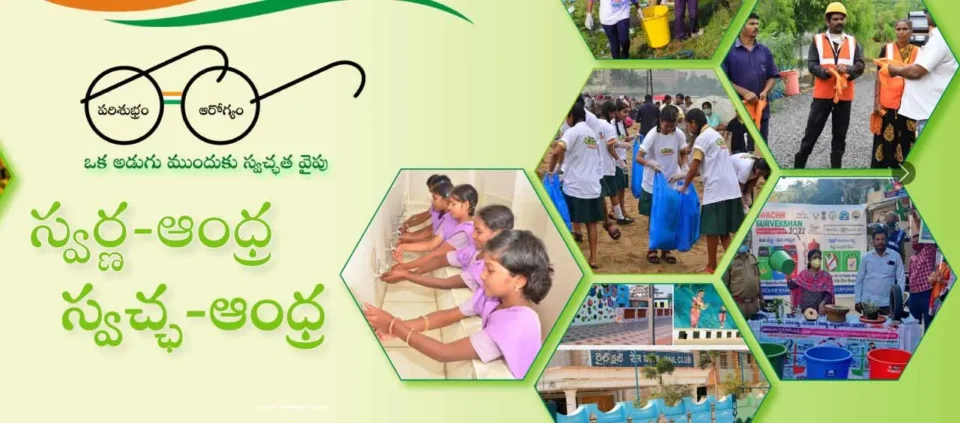
Swarna Andhra-Swachh Andhra SASA Mobile App Latest Version Download, SWACHHA ANDHRA CORPORATION, Govt. of Andhra Pradesh SASA-2025 Application Download, Installation & Activity Status Update స్వర్ణ ఆంధ్ర – స్వచ్ఛ ఆంధ్ర
The Government of Andhra Pradesh has designated the third Saturday of every month as “Swachh Andhra” day to promote cleanliness, sustainability, and health. Through this initiative, systemic changes are driven to create a cleaner, greener, and healthier state. The program involves all departments, local authorities, and the public, focusing on waste management, environmental conservation, and public health. The initiative aims for active collaboration and community participation, fostering long-term improvements across Andhra Pradesh.
 |
Activity Status Updates:
Employees of all departments can report progress on assigned tasks.
Real-time Monitoring: Swatchh Andhra Corporation administrators can track activity status and respond promptly. The app contains the below features. Swarna Andhra-Swachh Andhra (SASA) Event Fields To access the application, a new user must download the SASA mobile app APK then only user is allowed to update the status of activities assigned.
The app contains the below features. Swarna Andhra-Swachh Andhra (SASA) Event Fields To access the application, a new user must download the SASA mobile app APK then only user is allowed to update the status of activities assigned.
Swarna Andhra-Swachh Andhra (SASA) Event Fields
To access the application, a new user must download the SASA mobile app APK then only user is allowed to update the status of activities assigned.
Download & Installation: The following steps are to be followed for download & Installation of the SASAmobile app:
• Click on the download symbol of the “SASA mobile app APK
Activity Status Update: The following steps are to be followed for update the roles wise activity status in the SASA mobile app:
Step 1: enter the User Id in the “User Id” text box
Step 2: Password in the “Password” Text box •
Step 3: Please enter the “Captcha”
Step 4: Then Click on the “Login” button as shown below.
• Page then goes to the “Home” page as shown.
• Depends on the Login the “Home” Page of Users Varies
• Fill the all the fields of the “Report-Form” related to Activities assigned
• Then click on the “Submit Online Data” button as shown for online submission
• Or click on the “Save Offline Data” then click on the “Submit Offline Data” buttons as shown for offline submission
Swachha Andhra app username: SE_UDISE CODE Password: PWD@1234
Swachh Andhra All Districts User Name & Passwords File click here

